Feature · Available since FireAI 0.1.0
The on-device AI model, opt-in
Get plain-language understanding and AI summaries that never leave your Mac once downloaded.
Where in FireAI: Home › Ask FireAI, "Add AI"
Without it, Ask FireAI already understands simple, direct orders. Click “Add AI” and FireAI downloads a small on-device model (about 1.5 GB, stays on this Mac) once from Hugging Face, so it can also work out orders phrased less directly, or names it doesn’t already recognise. See Ask FireAI for what it understands even without this model.
- It runs on this Mac’s own GPU. FireAI shows its status as it downloads, loads, and once it’s ready: “AI ready · runs only on this Mac”.
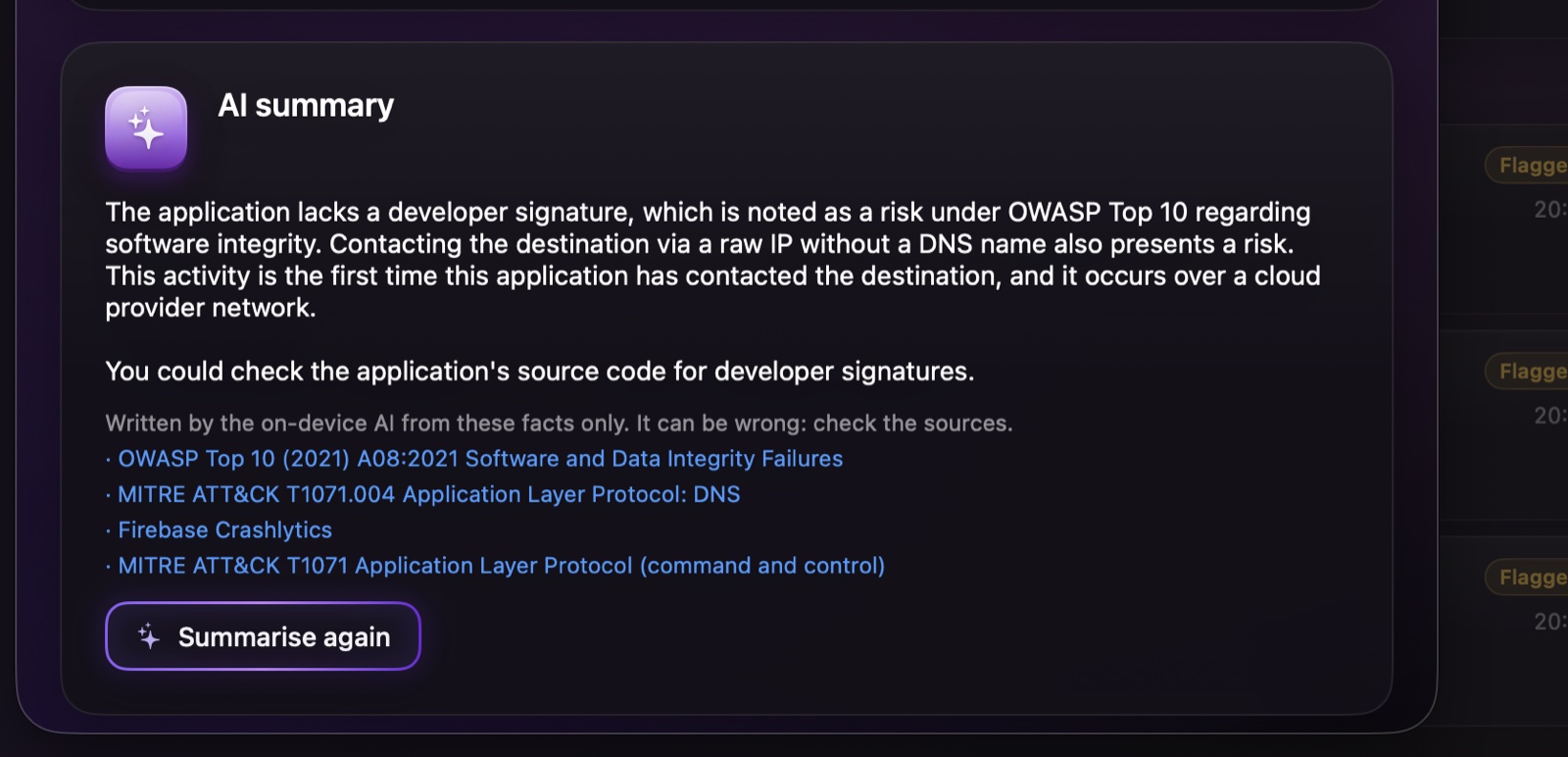
- It’s also what writes the plain-language summaries you can ask for in Investigate, always restricted to the facts FireAI has already gathered.
Read next
Try it on your own Mac
Try every feature free for 17 days, no card needed.
30-day money-back guarantee.