Feature · Available since FireAI 0.1.1
Get new versions of FireAI automatically
Stay on the latest version without hunting for downloads, and without anything installing behind your back.
Where in FireAI: Settings › FireAI updates
What it does for you
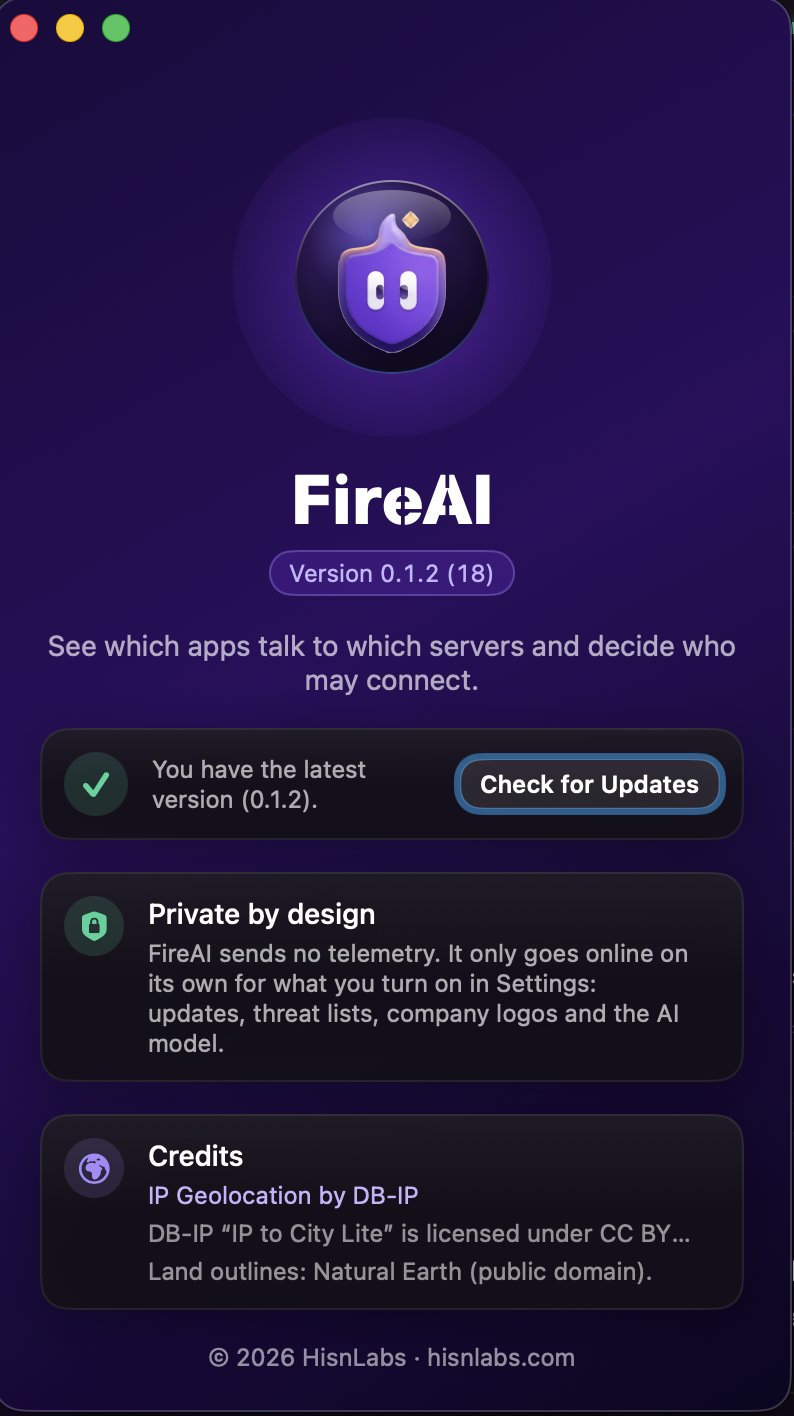
Your licence includes every new version of FireAI. FireAI asks its own server for the latest version number and tells you when there is something new, labelled as a major version, new features, or fixes and improvements.
How it works
- Open Settings › FireAI updates.
- Choose “Automatically, once a day” or “Only when I ask”. Check for Updates runs the check right away.
- When a new version is available, click Download and Open. FireAI checks the download against the fingerprint its server signed, then opens it.
- Drag FireAI to Applications to replace the old version. Your rules and settings stay.
Good to know
Read next
Try it on your own Mac
Try every feature free for 17 days, no card needed.
30-day money-back guarantee.