教程 · 自 FireAI 0.1.2 起可用
Check for updates from the FireAI menu
Know in a second whether you are up to date.
在 FireAI 中的位置: FireAI › Check for Updates…
此页面暂时只有英文版。
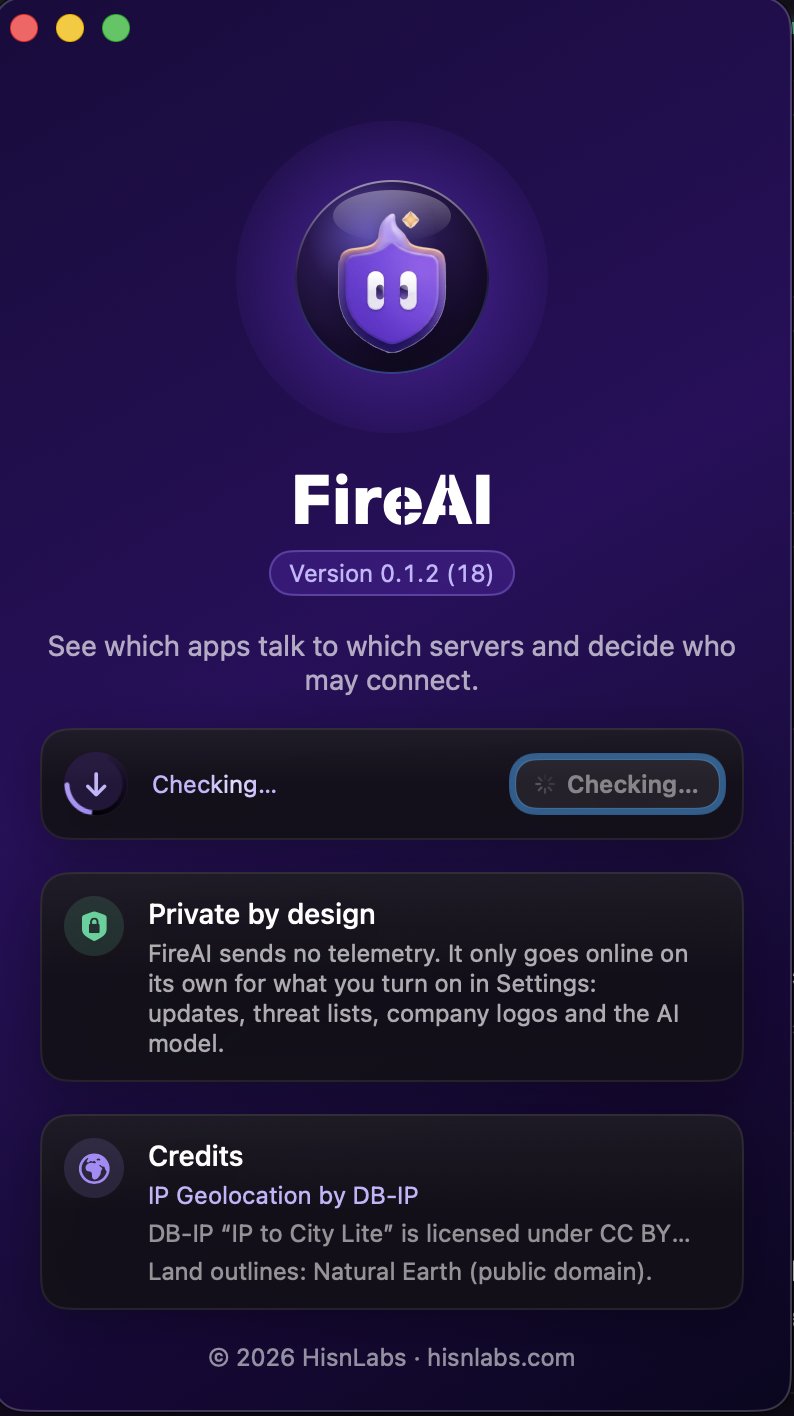
- In the menu bar, choose FireAI › Check for Updates…
- The About window opens and the check starts: a ring spins around the update icon while FireAI asks for the latest version.
- A green check mark means you have the latest version. If a new one is out, its name appears with Download and Open.
Good to know
继续阅读
在您的 Mac 上试用
免费试用全部功能 17 天,无需绑定银行卡。
30 天退款保证。