Инструкция · Доступно с FireAI 0.1.2
Check for updates from the FireAI menu
Know in a second whether you are up to date.
Где в FireAI: FireAI › Check for Updates…
Пока эта страница на английском.
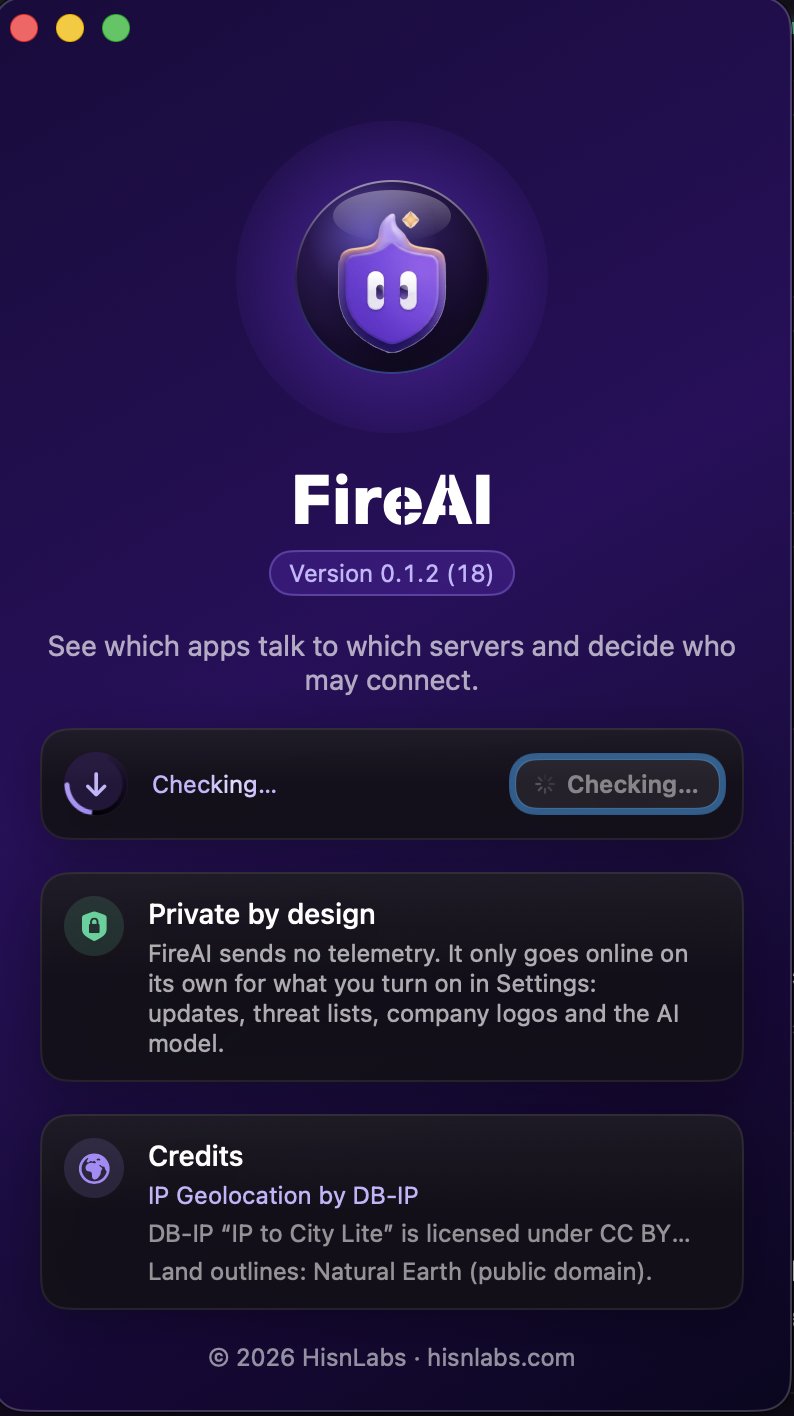
- In the menu bar, choose FireAI › Check for Updates…
- The About window opens and the check starts: a ring spins around the update icon while FireAI asks for the latest version.
- A green check mark means you have the latest version. If a new one is out, its name appears with Download and Open.
Good to know
Читать дальше
Попробуйте на своём Mac
Все функции бесплатно на 17 дней, без банковской карты.
Возврат денег в течение 30 дней.