 HisnLabs
Tutorial · Available since FireAI 0.1.0
Use FireAI Pilot safely: what it decides, and how to correct it
Turn FireAI Pilot on with a clear view of what it’s doing, and fix anything it gets wrong.
Where in FireAI: Protection, and Suggestions
Turn it on
- Open Protection and, under “When an app connects somewhere new”, choose FireAI Pilot.
- You can also say it to Ask FireAI: “use FireAI Pilot mode”.
Check what it’s doing
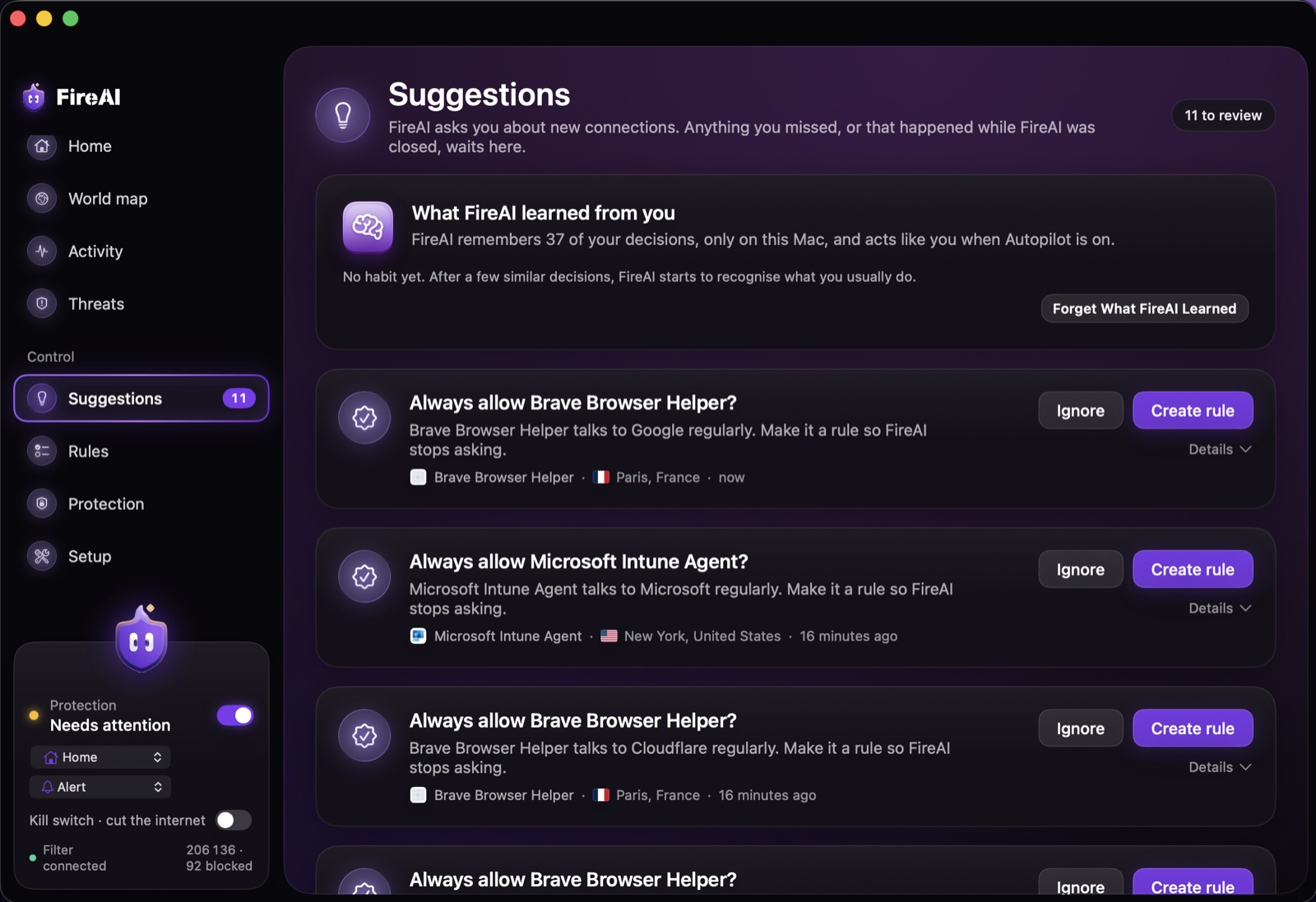
- Open Suggestions regularly, especially in the first days after turning it on.
- Each row shows the app, the destination, whether it was blocked or allowed, how sure FireAI was, and why.
- If a decision looks wrong, click Undo — this removes the rule FireAI Pilot made and teaches it the opposite for next time.
Start over if needed
If FireAI Pilot has learned habits you don’t want, “Forget What FireAI Learned” in Suggestions clears what it has learned from your corrections and habits, asking you to confirm first. See FireAI Pilot for what it can and can’t decide on its own.
Read next
Try it on your own Mac
Try every feature free for 17 days, no card needed.
30-day money-back guarantee.