Tutorial · Disponible desde FireAI 0.1.2
Check for updates from the FireAI menu
Know in a second whether you are up to date.
Dónde en FireAI: FireAI › Check for Updates…
Por ahora esta página está en inglés.
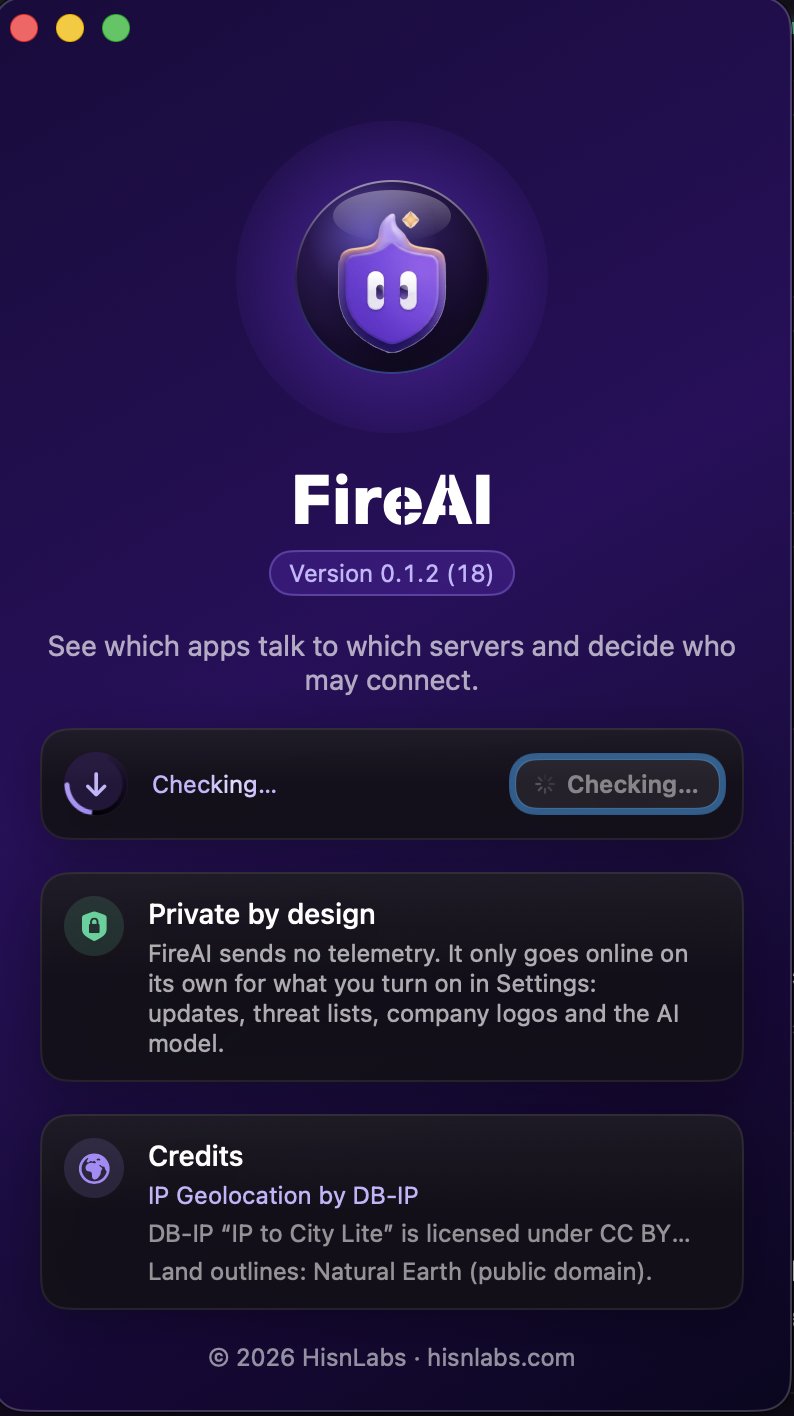
- In the menu bar, choose FireAI › Check for Updates…
- The About window opens and the check starts: a ring spins around the update icon while FireAI asks for the latest version.
- A green check mark means you have the latest version. If a new one is out, its name appears with Download and Open.
Good to know
Sigue leyendo
Pruébalo en tu Mac
Prueba todas las funciones gratis durante 17 días, sin tarjeta.
Descargar para Mac Ver precios
Garantía de devolución de 30 días.