Función · Disponible desde FireAI 0.1.0
Security modes: Home, Coffee shop, Paranoid, Under attack
Match FireAI’s strictness to where your Mac actually is, in one tap.
Dónde en FireAI: Protection › Where are you?
Por ahora esta página está en inglés.
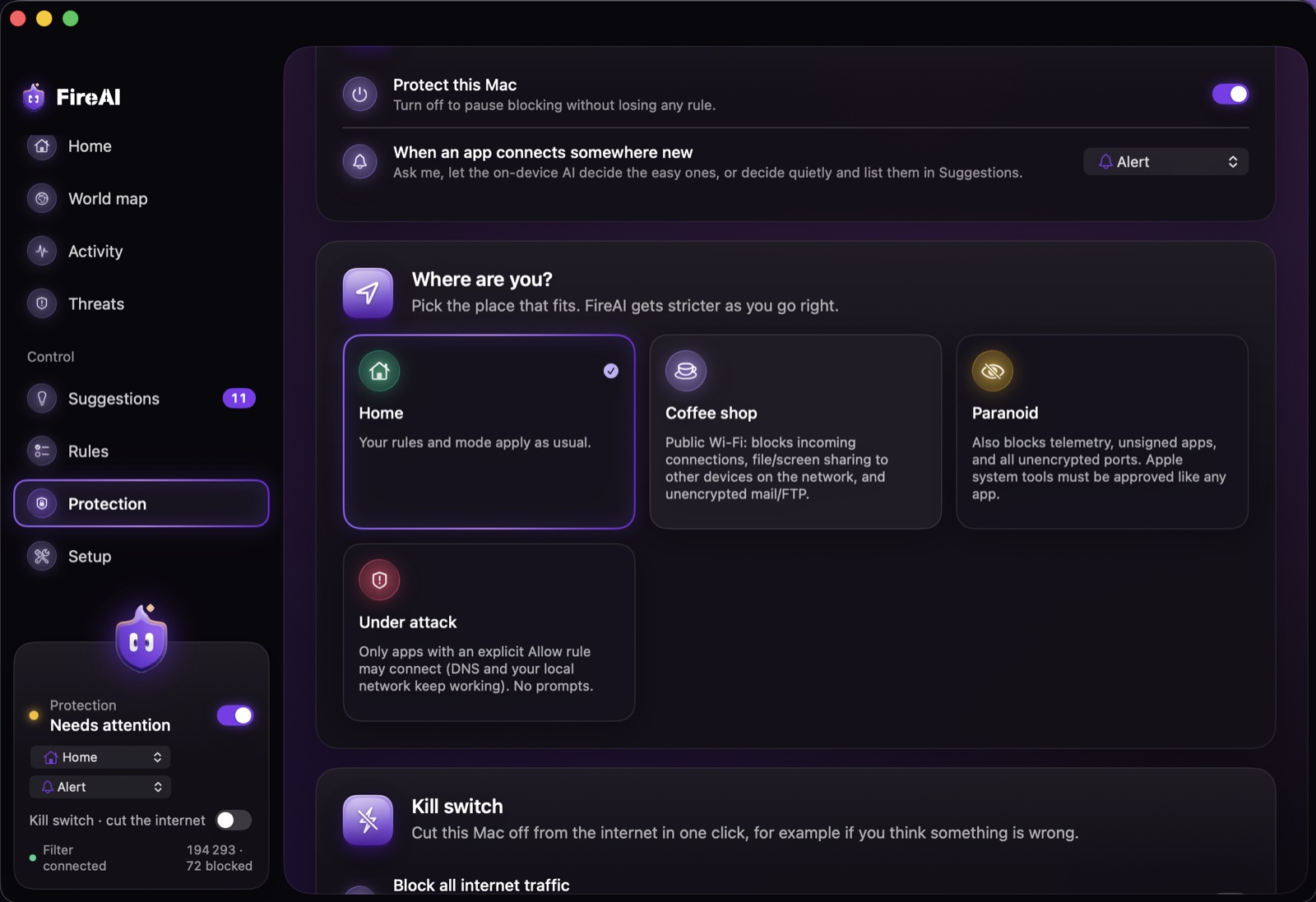
“Pick the place that fits. FireAI gets stricter as you go right.” Your own rules and an explicit Allow rule for an app always win over a mode.
The four modes
- Home — your rules and mode apply as usual.
- Coffee shop — for public Wi-Fi: blocks incoming connections, file and screen sharing to other devices on the network, and unencrypted mail or FTP.
- Paranoid — also blocks tracking traffic, unsigned apps, and every unencrypted port; even Apple’s own system tools must be approved like any other app.
- Under attack — only apps with an explicit Allow rule may connect (DNS and your local network keep working); FireAI stops asking and just blocks.
A mode can also be attached to a Wi-Fi place, so FireAI switches modes automatically as you move between networks. Modes decide what’s allowed; the kill switch is the one-click way to stop everything.
Sigue leyendo
Pruébalo en tu Mac
Prueba todas las funciones gratis durante 17 días, sin tarjeta.
Descargar para Mac Ver precios
Garantía de devolución de 30 días.