Tutorial · Disponibile da FireAI 0.1.2
Check for updates from the FireAI menu
Know in a second whether you are up to date.
Dove in FireAI: FireAI › Check for Updates…
Per ora questa pagina è in inglese.
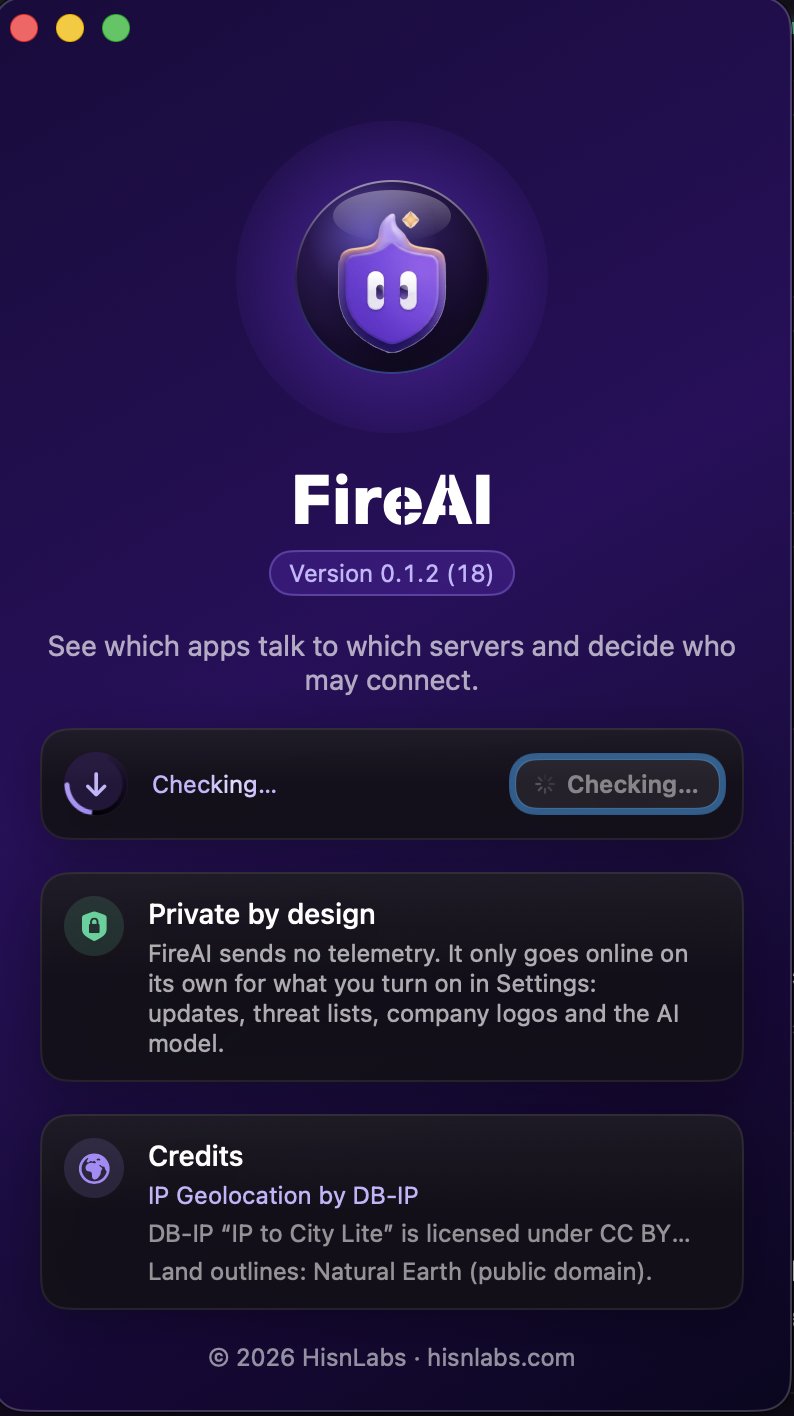
- In the menu bar, choose FireAI › Check for Updates…
- The About window opens and the check starts: a ring spins around the update icon while FireAI asks for the latest version.
- A green check mark means you have the latest version. If a new one is out, its name appears with Download and Open.
Good to know
Da leggere dopo
Provalo sul tuo Mac
Prova tutte le funzioni gratis per 17 giorni, senza carta.
Soddisfatti o rimborsati entro 30 giorni.