Tutorial · Disponível desde o FireAI 0.1.2
Check for updates from the FireAI menu
Know in a second whether you are up to date.
Onde no FireAI: FireAI › Check for Updates…
Por agora esta página está em inglês.
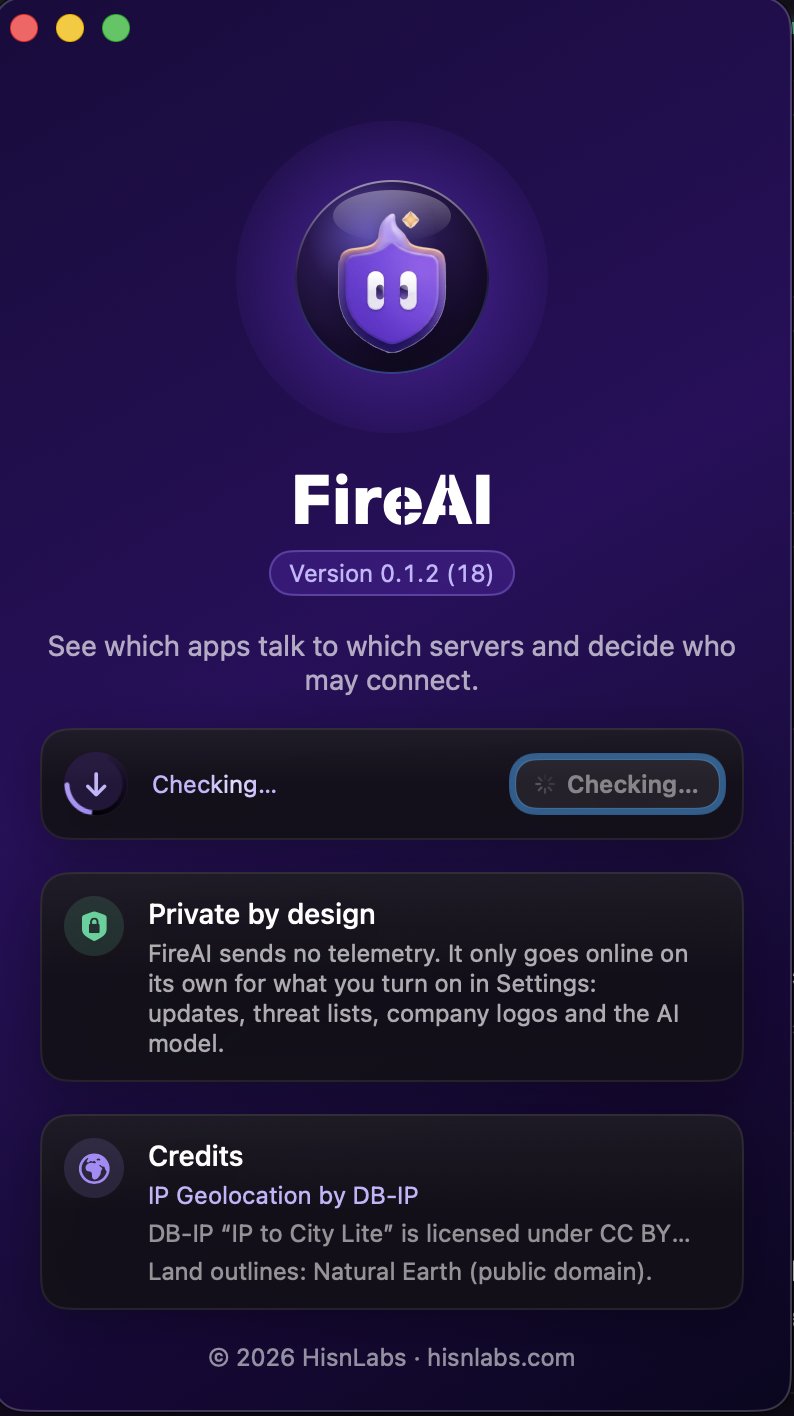
- In the menu bar, choose FireAI › Check for Updates…
- The About window opens and the check starts: a ring spins around the update icon while FireAI asks for the latest version.
- A green check mark means you have the latest version. If a new one is out, its name appears with Download and Open.
Good to know
Ler a seguir
Experimente no seu Mac
Experimente todas as funcionalidades grátis durante 17 dias, sem cartão.
Transferir para Mac Ver preços
Garantia de reembolso de 30 dias.