Poradnik · Dostępne od FireAI 0.1.2
Check for updates from the FireAI menu
Know in a second whether you are up to date.
Gdzie w FireAI: FireAI › Check for Updates…
Ta strona jest na razie po angielsku.
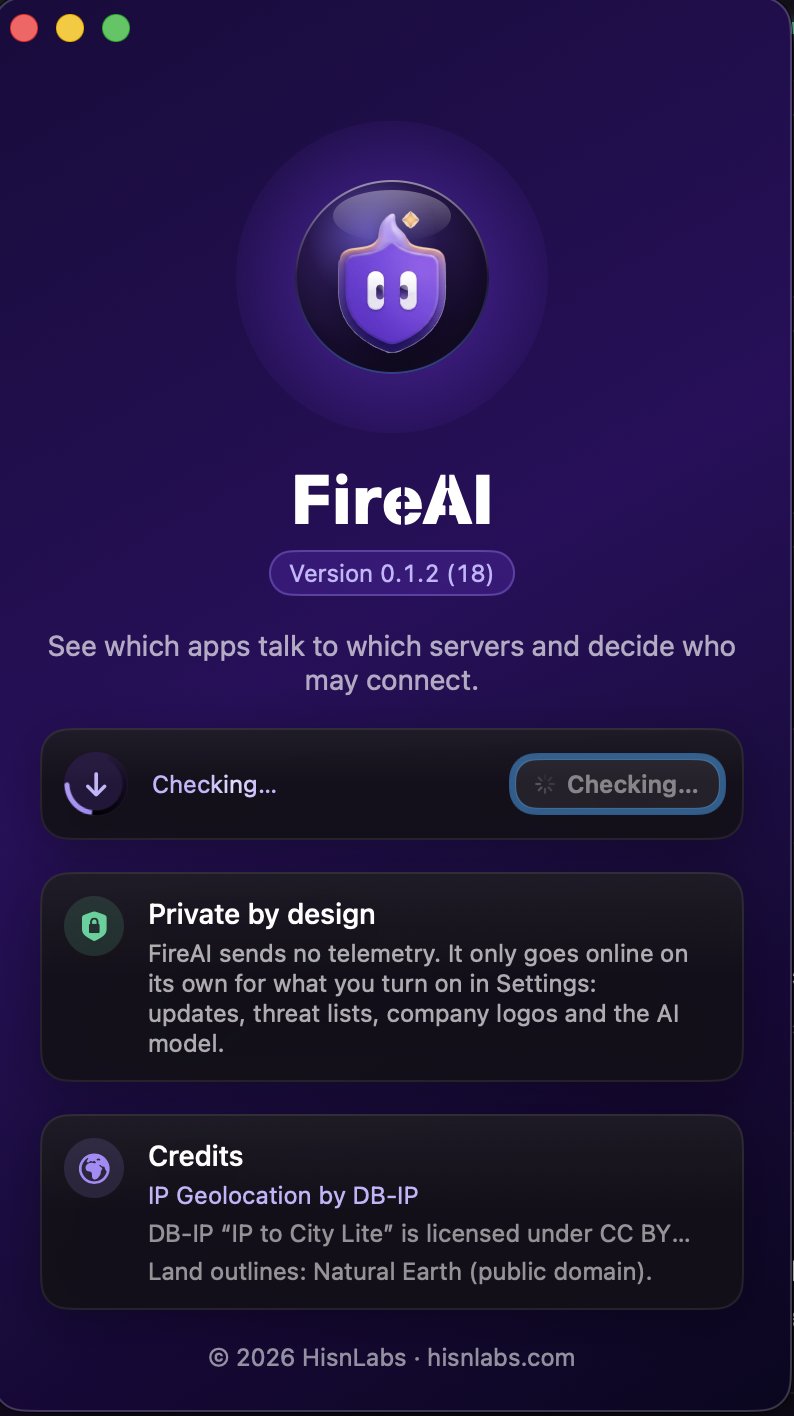
- In the menu bar, choose FireAI › Check for Updates…
- The About window opens and the check starts: a ring spins around the update icon while FireAI asks for the latest version.
- A green check mark means you have the latest version. If a new one is out, its name appears with Download and Open.
Good to know
Czytaj dalej
Wypróbuj na swoim Macu
Wypróbuj wszystkie funkcje za darmo przez 17 dni, bez karty.
30-dniowa gwarancja zwrotu pieniędzy.