Tutoriel · Disponible depuis FireAI 0.1.2
Check for updates from the FireAI menu
Know in a second whether you are up to date.
Où dans FireAI : FireAI › Check for Updates…
Cette page est en anglais pour le moment.
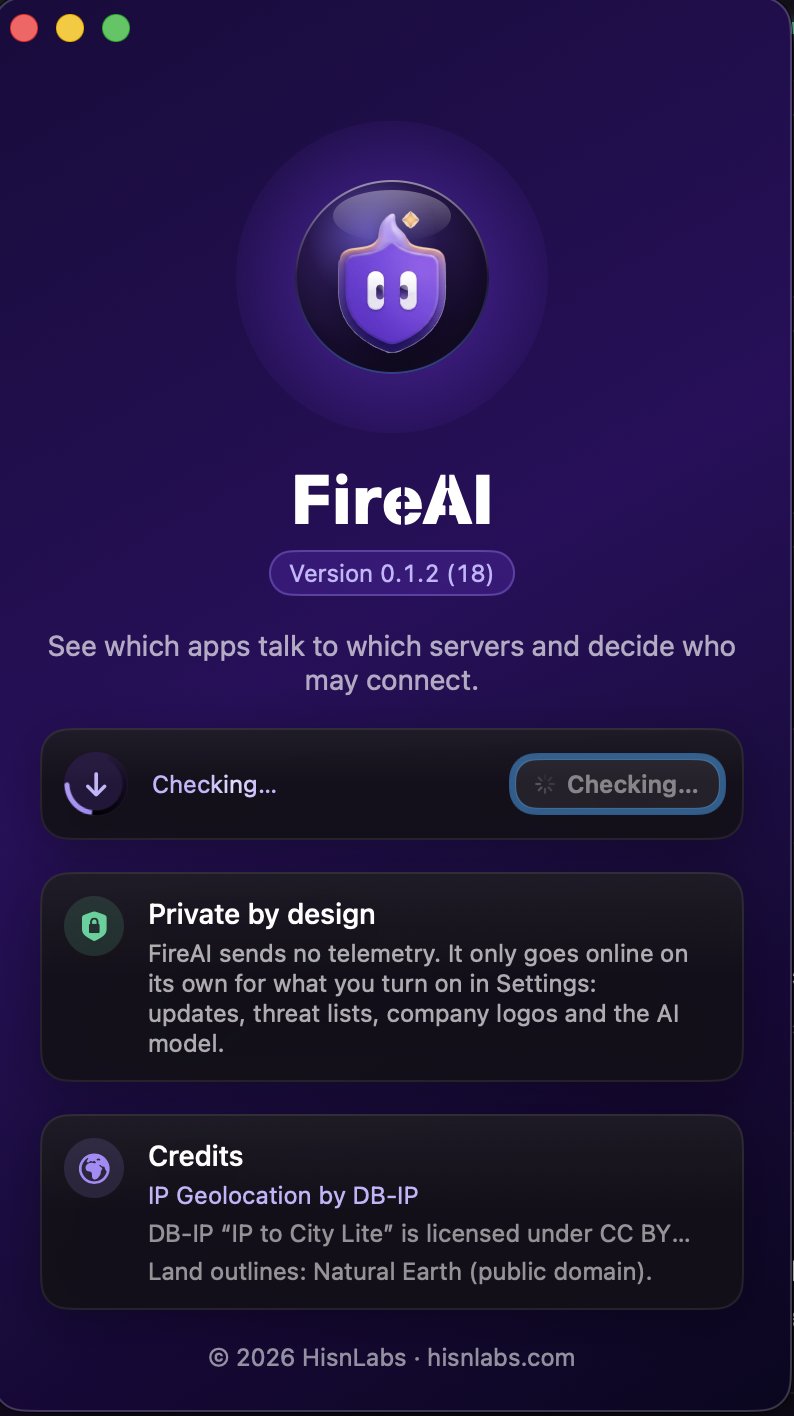
- In the menu bar, choose FireAI › Check for Updates…
- The About window opens and the check starts: a ring spins around the update icon while FireAI asks for the latest version.
- A green check mark means you have the latest version. If a new one is out, its name appears with Download and Open.
Good to know
À lire ensuite
Essayez-le sur votre Mac
Essayez toutes les fonctionnalités gratuitement pendant 17 jours, sans carte bancaire.
Télécharger pour Mac Voir les tarifs
Satisfait ou remboursé pendant 30 jours.