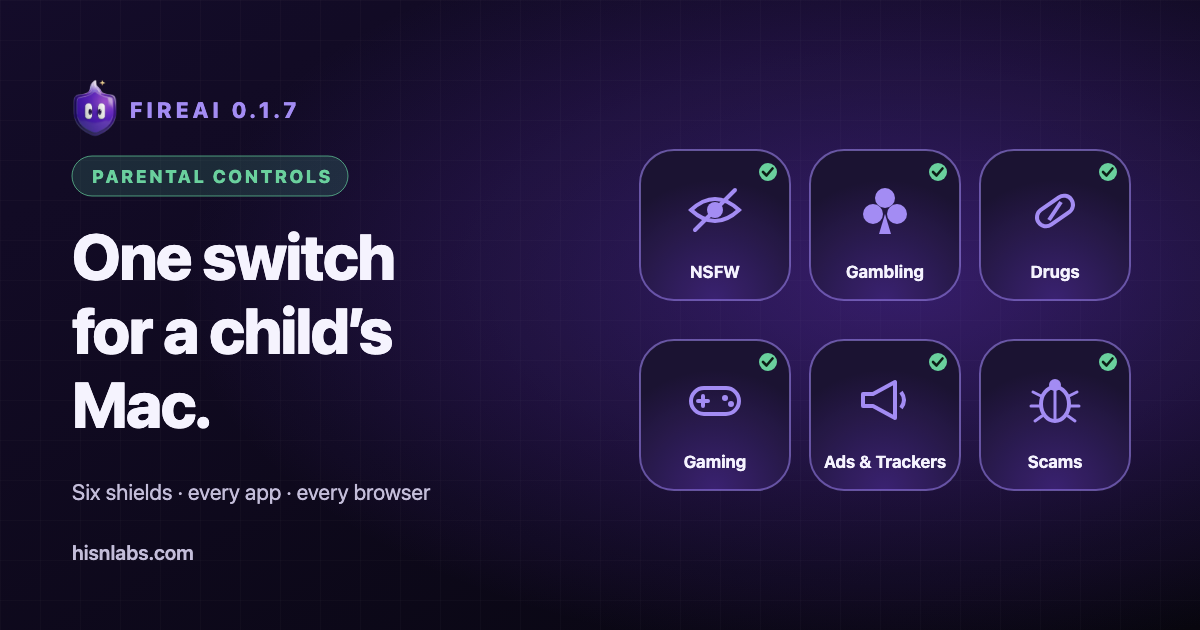
Most parental controls ask you to list the sites you want blocked, one at a time. Nobody can keep up with that. FireAI 0.1.7 blocks whole categories instead: turn on a shield and every site on its list is refused, in every app and every browser on the Mac.
Six shields, each backed by a list someone maintains
A category is only as good as its list, so FireAI uses lists that people maintain for exactly this, and says which: Hagezi and OISD for adult sites, Hagezi for gambling, ads and trackers, The Block List Project for drugs, Hagezi’s threat intelligence and abuse.ch URLhaus for scam and malicious sites. No public list covers online games well, so HisnLabs keeps its own hand-checked Gaming list inside the app.
| Shield | Blocks |
|---|---|
| NSFW | Adult and explicit sites |
| Gambling | Betting, casino and lottery sites |
| Drugs | Sites that sell or promote drugs |
| Gaming | Game stores, launchers, online games and browser-game sites |
| Ads & Trackers | Advertising and tracking servers, in every app |
| Malware & Scams | Known malicious, phishing and scam sites |
FireAI downloads each list straight from its publisher when you switch the shield on, then once a day. The download only asks for the list: nothing about your family’s browsing is sent to us or to anyone else.
Child Safety First: the one switch
For a child’s Mac, one switch turns on the NSFW, Gambling, Drugs and Gaming shields, plus Safari only. Safari only keeps Chrome, Firefox and the other browsers offline, because some of them can use their own private DNS or built-in VPN, which could slip past a filter that blocks by site name. Set it up in five minutes.
Say it in plain words
Type “block online games”, “no more ads”, “turn on child safety” or “games are fine again” in Ask FireAI. FireAI shows what it will change and waits for your click. A named site stays a single rule: “block Roblox” blocks Roblox, not every game. We tested these orders against the on-device model FireAI ships, in seven languages, and published every instruction we give it and every order we test.
What it can’t do, said plainly
- Shields block whole sites by name. A harmful page on a site that is otherwise fine isn’t blocked.
- A list can miss a site or, rarely, list one by mistake. An Allow rule for that one site fixes it; an Allow rule for a whole app never switches a shield off.
- Shields work while protection is on. If protection is paused, Parental Controls says so at the top of the page, with a button to turn it back on.
What’s next
macOS 26 added a way to check full web addresses privately, so a single page on a trusted site can be blocked without the lookup revealing which page was asked for. It needs a private lookup server and a new permission from Apple, so it is on FireAI’s roadmap, not in 0.1.7. We will say when it ships.
Also in 0.1.7
- FireAI Help: describe what you want in your own words and Show me opens the page and points at the spot. How it works.
- Autopilot is now called FireAI Pilot. It works exactly as before.
How FireAI and HisnLabs fit in
One switch, every browser, nothing about your family’s browsing sent anywhere.
FireAI is HisnLabs’ own product: an on-device AI firewall for Mac. It shows every connection your apps make, in plain language, and lets you decide what leaves your Mac — its AI runs locally, so your traffic is never sent to us or anyone else. HisnLabs’ security research team is the group that keeps that decision-making accurate: cataloguing which domains are ordinary telemetry versus a real product, tracking the country and network behind a connection, and training the on-device model (its FireAI Pilot feature) on real traffic patterns, all without any of it leaving your Mac.
You can read the technical decisions behind it, or try FireAI for 17 days, at FireAI, by HisnLabs.